New in your studio
Your drop, ready to post
Every shop now has “Marketing”, a new page in the studio that turns a drop into pictures to post: a menu of the whole drop in one picture, or a carousel of slides people swipe through. Your products, prices, pickup and link are already on them, so you post your drop in the time it takes to choose a look.
Your whole drop in one picture
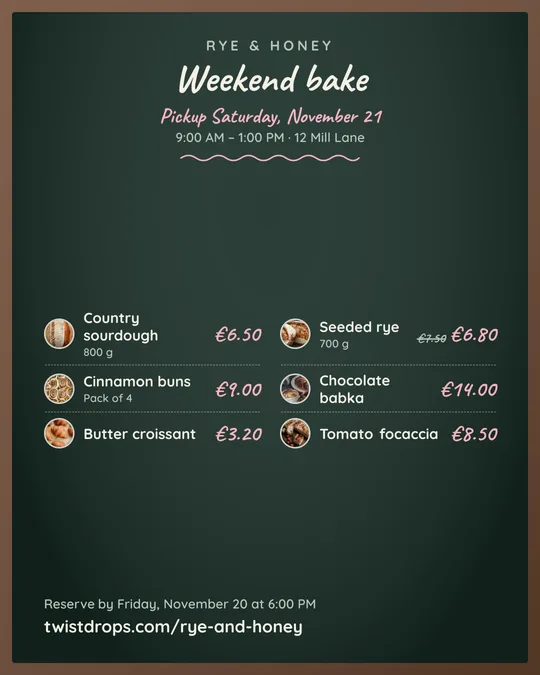
Open “Marketing” and tap “Make a menu”: your drop becomes one picture, with every product and its price, the pickup day and hours, where to collect and your link. Choose one of seven templates. Here is the same drop as “Chalkboard”, “Photos” and “Christmas”.
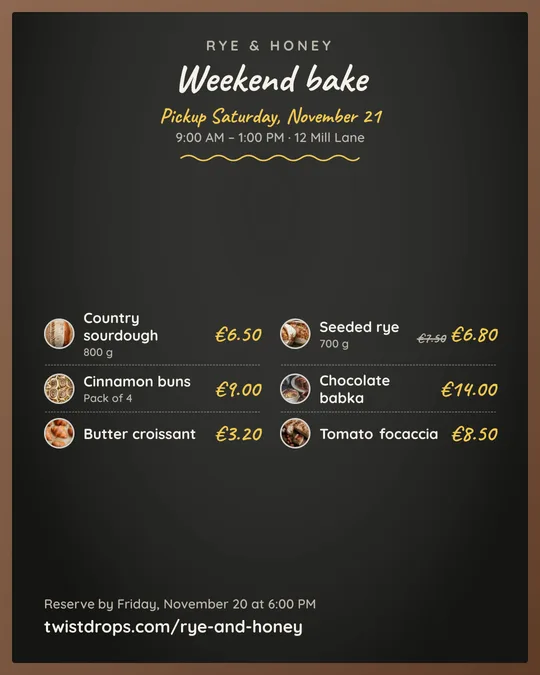
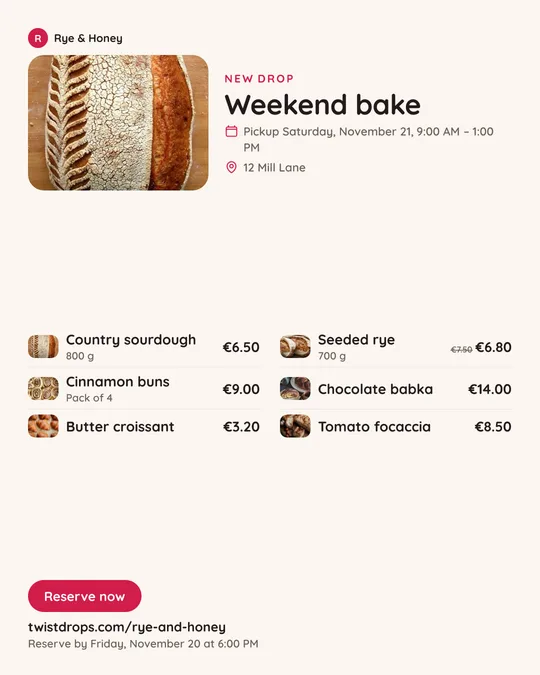
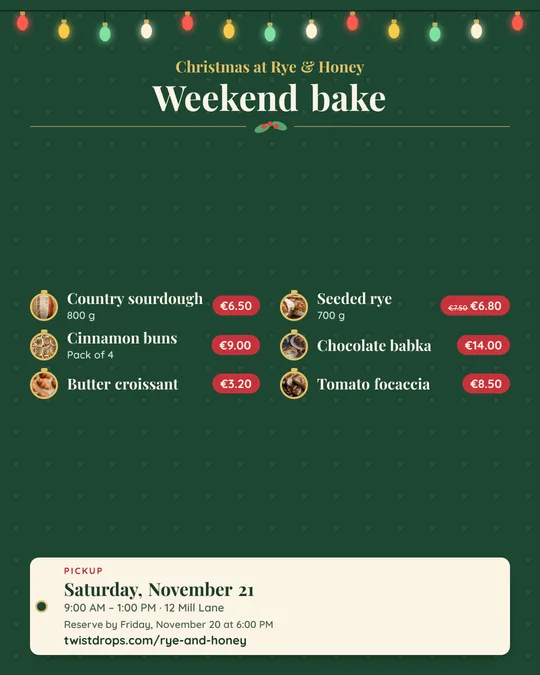
Make it a post, a story or a square, then choose the layout, the colours and the letters. Switch prices or photos off, leave a product off, or write your own headline. The caption is written for you, with every product and its price, so copy it, then download the picture or share it from your phone.
A carousel to swipe through
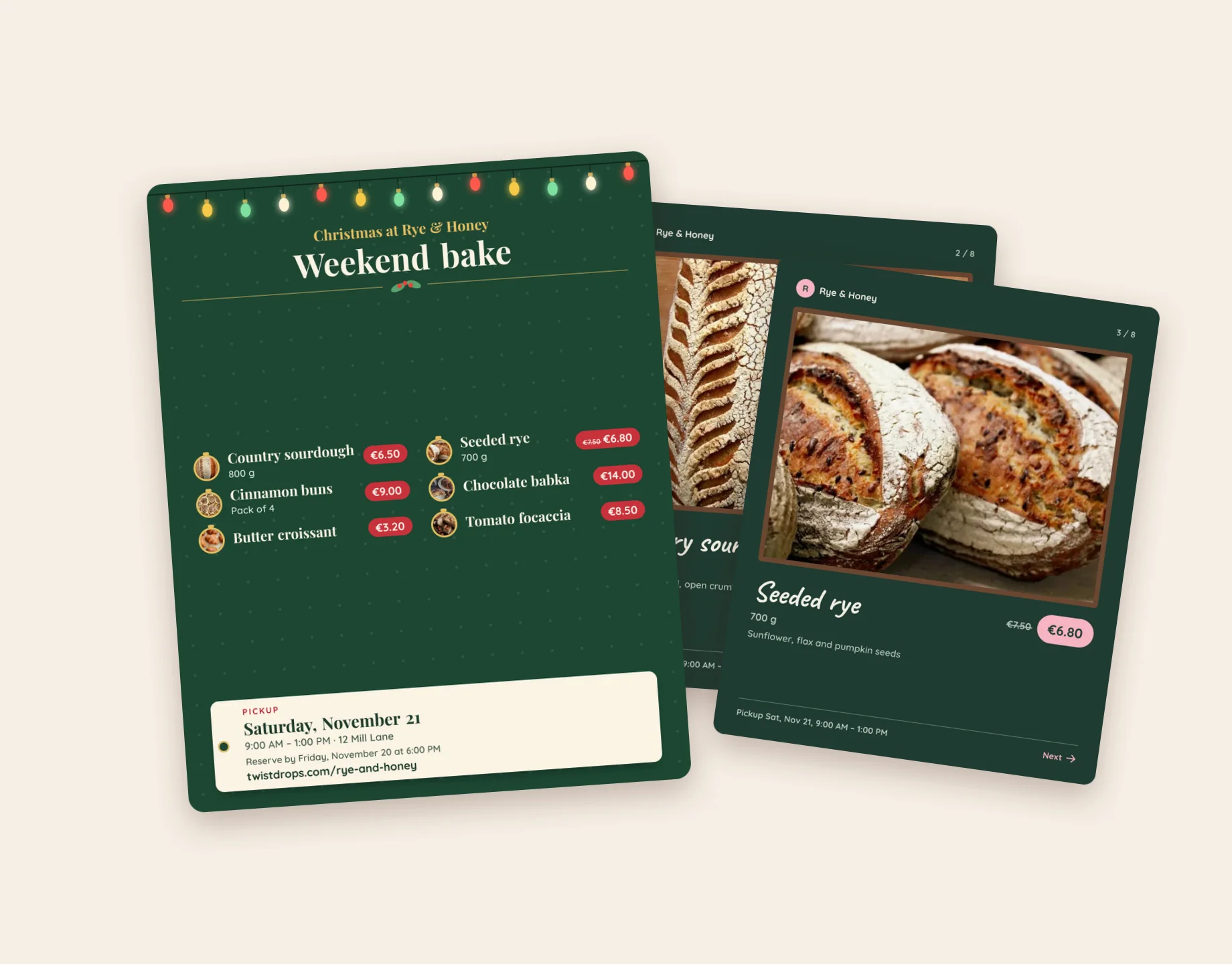
A carousel is up to 20 slides people swipe through on Instagram or Facebook. Your menu comes first, then a slide for each product with a photo, and the last tells people how to reserve, with your link. Here are four of them.
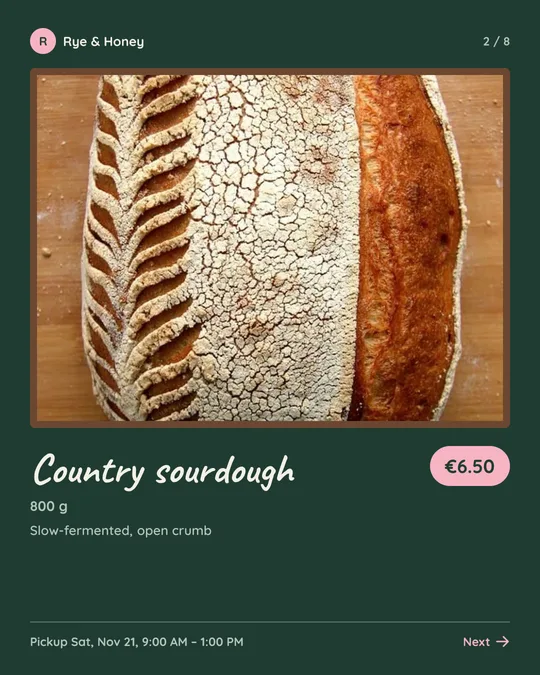
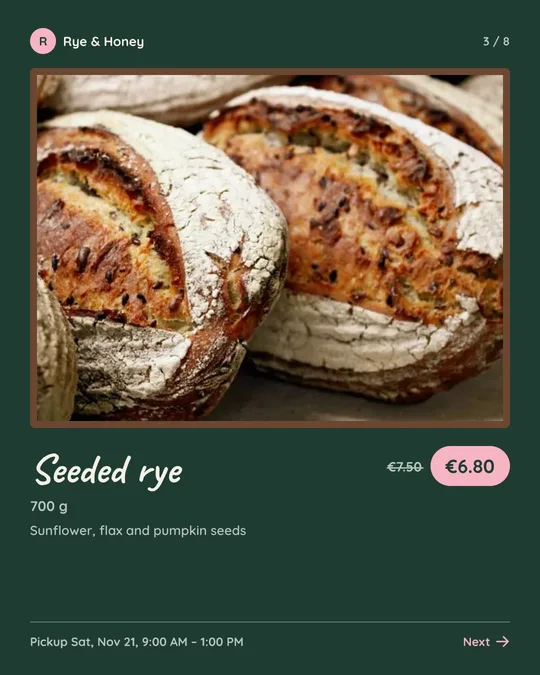
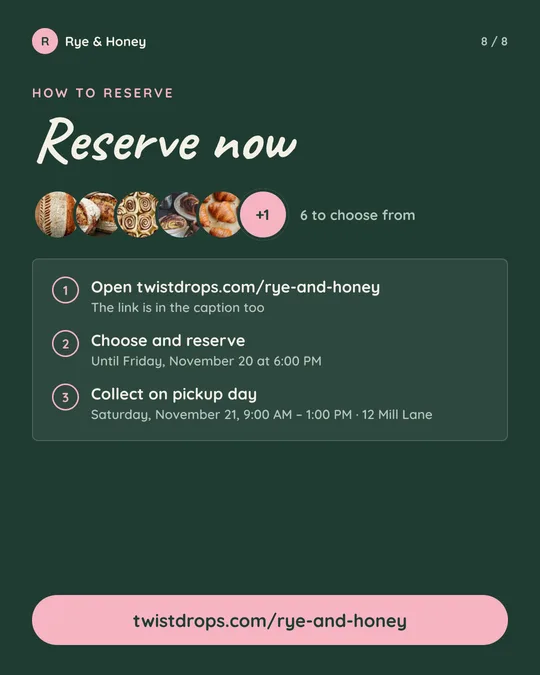
Or choose “One picture”: one long picture cut into slides, your products running across the cuts as people swipe. It’s made for Instagram, as Facebook shows a carousel’s slides as a grid. With “Custom”, you set up each slide yourself, with one to four photos. On a computer, “Download” gives you every slide in one .zip; on a phone, they go to your gallery through the share sheet.
In your colours, with your logo
Open “Your brand”, at the top of “Marketing”, and set your brand once: your logo, two colours of your own and a font for your headlines. Here is one drop in a shop’s own brand, as “Poster”, “Market” and “Photos”.
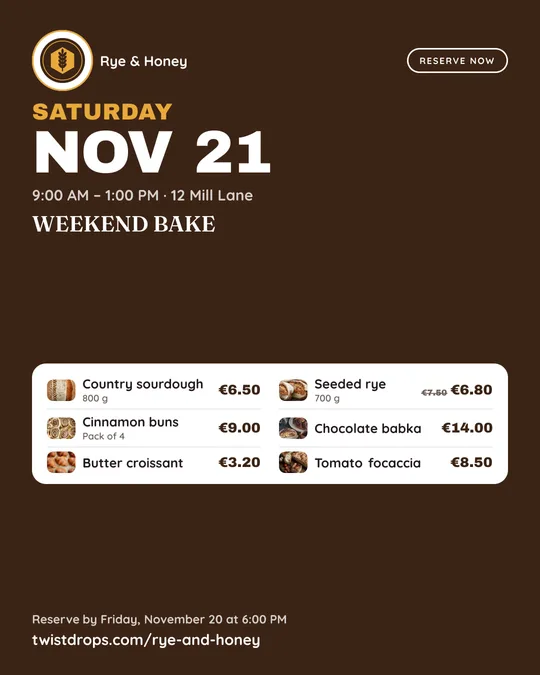
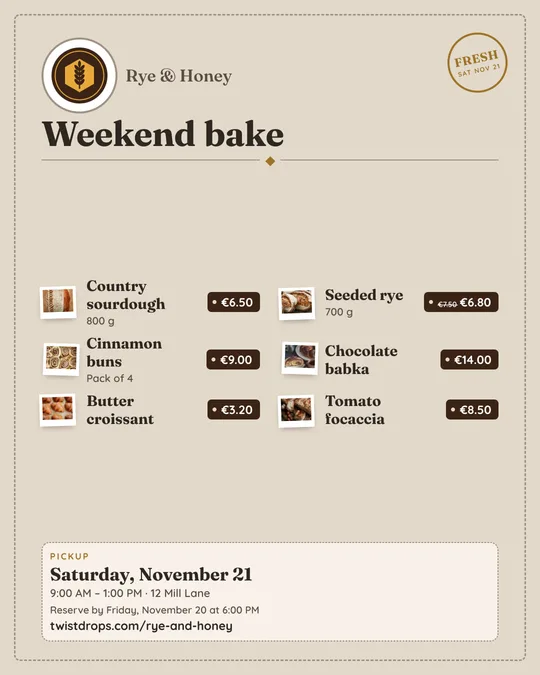
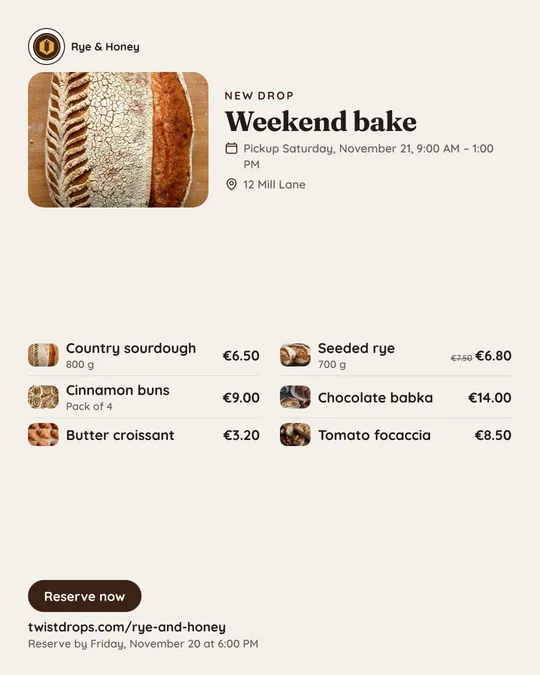
Your logo is the one in “Branding”, in “Settings”, and you choose how big it is on your pictures: “Small”, “Medium” or “Large”. Pick your colours from your logo, from a pair to start from, or type your own, and each template works out the rest so the words stay easy to read. A new menu or carousel starts in your brand, and if you change it later, the pictures in it follow.
Straight from your drop
When you publish a drop, the message that confirms it offers “Make a menu”. Any drop that’s open or scheduled has “Make a menu” too, in its ⋯ in “Drops” and at the top of its page.
The pictures are drawn from your drop each time, so they follow it: change a price or add a product, and the next picture you download has it. Your choices are kept for each drop, and your next drop starts from them, with its own name as the headline.
Your QR code, on a printed menu
Printing your menu for the counter or a market stall? Switch on “QR code to reserve”, and your shop’s QR code goes on the menu, the same code as on your sticker, with “Scan to reserve” under it. Scanning it opens your storefront, and each scan counts with your sticker’s in “Scans”. Leave it off for a menu people see on their phone: nobody can scan their own screen, and your link is on every menu anyway.
Also new
Two templates for the season
From 15 November to 6 January, “Christmas” and “New Year” join the templates under “Festive”: fairy lights and holly, or the coming year in gold. A drop that uses one keeps it after the season.
Choose a templateFull size, before you post
Tap the picture in the editor to see it full size, on your phone as on a computer. On a carousel, swipe from slide to slide, as the people who see your post will.
Check your slidesIn each of your languages
If your shop speaks two or more languages, choose the picture’s under “Language”. Its words, product names and dates follow, and so does the caption.
Language and headline
A template you’d like to see?
Write to us, and a person answers, usually within a day.