QR code2 min read
Print your QR code and put it on the counter
Your shop has one QR code. Print it once, put it where customers pass, and it takes them to your storefront, drop after drop.
One code for your shop
Your QR code is made the first time you open “QR code” in the studio: there’s nothing to press. Scanning it opens your storefront. The code never changes, so a sticker you’ve printed keeps working.
Find it in the studio
On a phone, tap your shop at the top of the screen, then “QR code for your counter”, or open “Menu” and tap “QR code”. On a laptop or tablet, “QR code for your counter” is in your shop’s menu, at the top of the sidebar. The search finds “QR code” too: ⌘K or Ctrl K.
Download the sticker
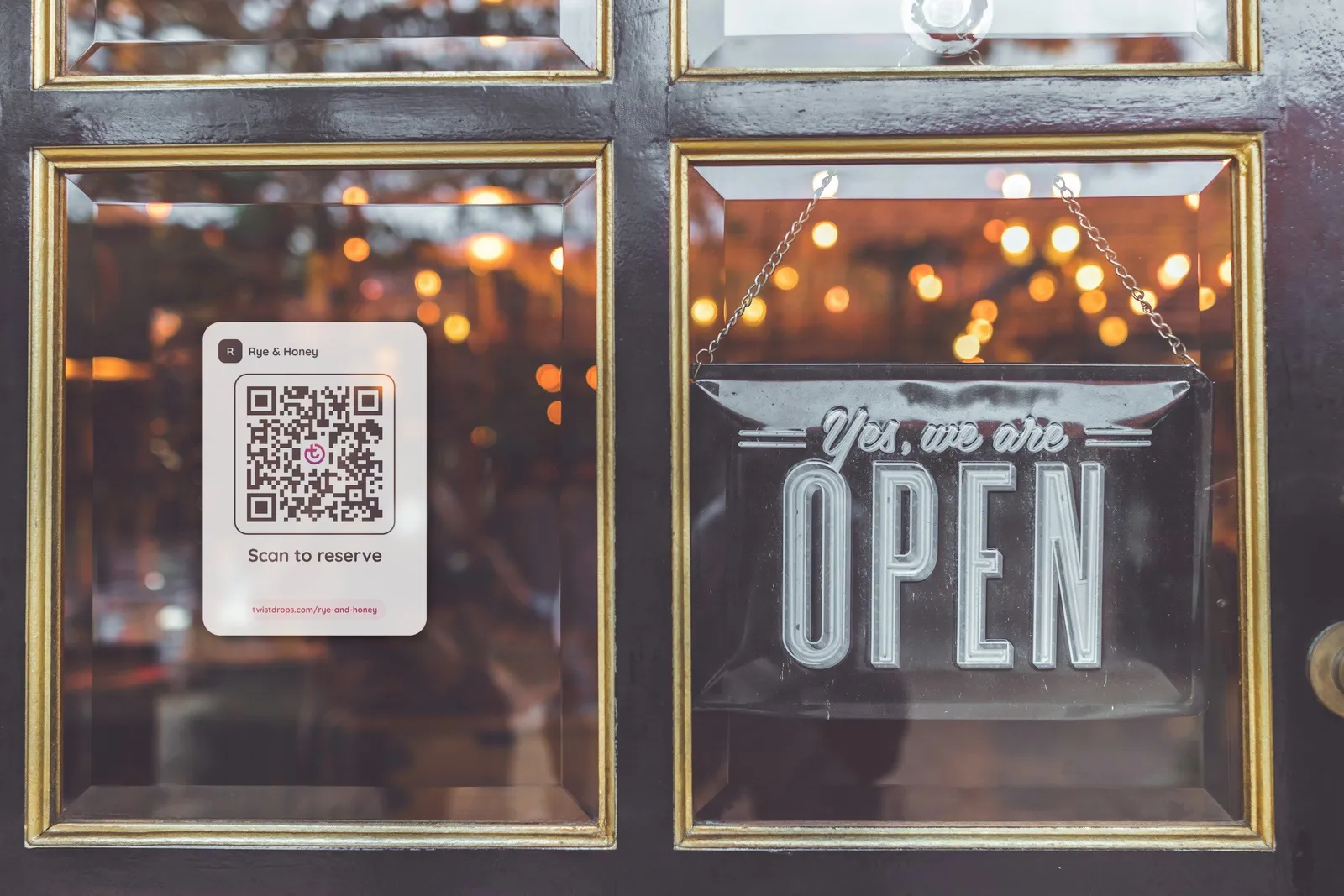
“Download sticker” gives you a PNG the size of a postcard (A6, 105 × 148 mm), ready to print at home or at a print shop. It shows your logo (or your shop’s initial) and your shop’s name, then the code with TwistDrops’ mark in its middle, “Scan to reserve” and your storefront’s link.
In your shop’s language
The sticker speaks your shop’s default language, the one marked “Default” in “Languages”: English, Romanian or Spanish. For any other default, it speaks English. If you change your logo, your shop’s name or your default language, download it again: the code stays the same.
Code only, for your own layout
“Code only (SVG)” gives you the code on its own, with its white border: keep the border, as phones need it to read the code. It’s a vector file, so it prints sharp at any size: use it in your own layout, on a poster, a flyer or your packaging, or give it to a print shop.
Put it where customers see it
Put your QR code where people queue or pass, at eye level: on your counter, in your shop window or on your market stall. Customers point their phone’s camera at it: there’s no app to install. Your storefront opens, and they reserve your next drop in about a minute, with no account.
Count the scans
“Scans” shows how many times your code was scanned, in all and in the last 30 days. A phone counts once every half hour, and opening “Your link”, the address inside the code, counts the same way. Link previews and bots never count. The studio counts scans, nothing more: it doesn’t know who scanned.