Pickup points4 min read
Collect one drop at several pickup points
Your counter, a market stall, a café that collects for you: tick where a drop is collected, and customers choose one of those places when they reserve.
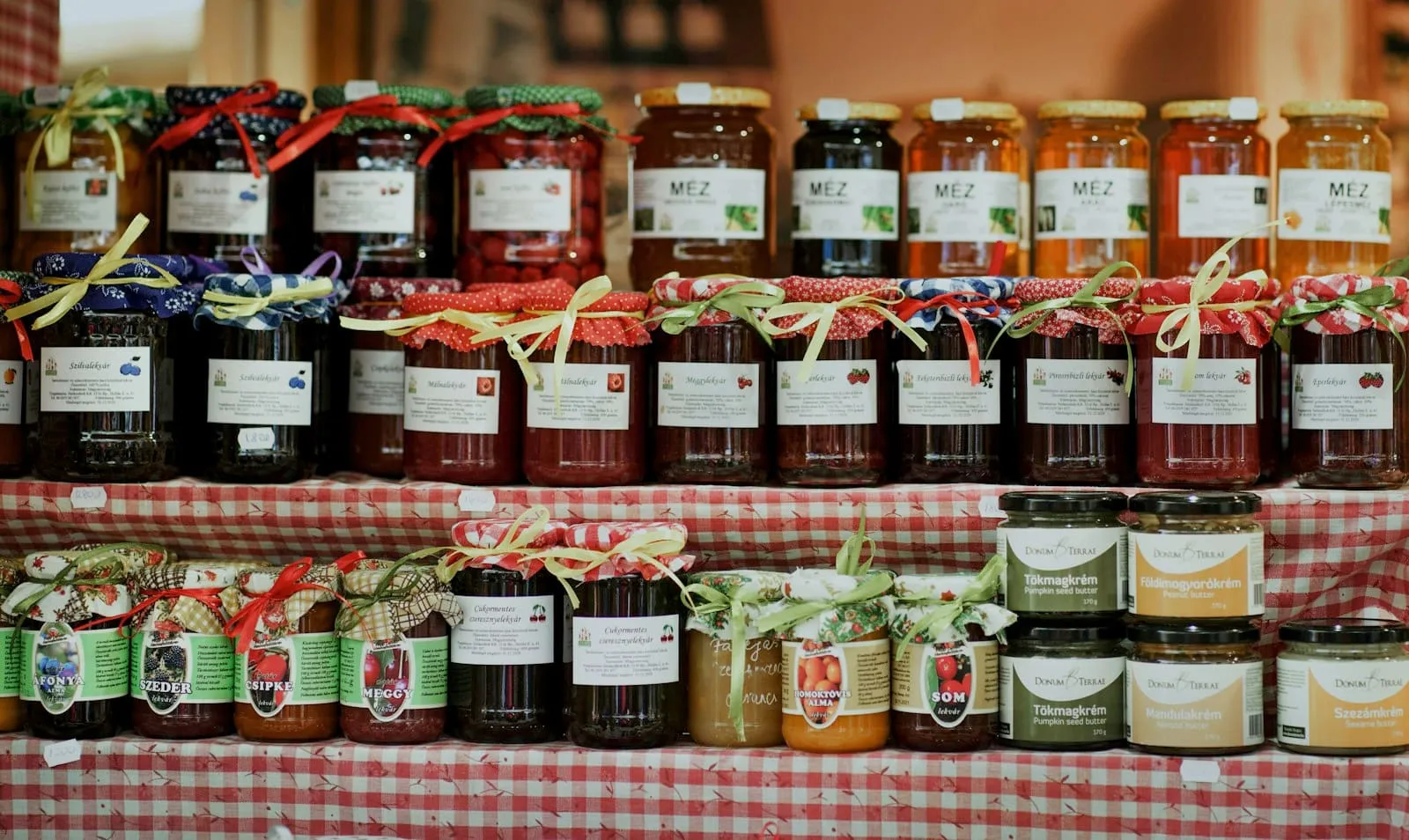
One drop, more than one place
Some makers hand over in more than one place: the bakery on weekdays and a market stall on Saturday, or a café down the road that collects for you. With the Multiple pickup points add-on, one drop can be collected at several of your pickup points, and customers choose one when they reserve. Without it, one pickup point collects for your whole shop, for every drop, and you switch which one in “Settings” → “Pickup points”.
Switch it on
Open “Settings” → “Add-ons”. Under “Add-ons you can switch on”, turn on “Multiple pickup points”: it works at once, with nothing else to set up. If your shop has only one pickup point, add the others in “Pickup points”, with each one’s address and the ways customers pay there, such as cash or card. A drop offers the choice as soon as your shop has two points or more.
Name your points
With the add-on on, each point has a “Name”, such as Saturday market, stall 12. Customers see it when they choose where to collect, and a point without one shows its street. One point is marked “Default”: new drops start there, and a drop you haven’t given points of its own is collected there. To change it, tap “Make default” on another point.
Tick where a drop is collected
In a drop’s form, the “Pickup” card has a “Where” row, with your pickup points as tick boxes and your default first. Tick each place this drop is collected: every point keeps the drop’s pickup day and hours. A drop is always collected somewhere, so the last ticked point stays ticked. While an upcoming drop is collected at a point, that point can’t be deleted: give the drop other points first.
A way to pay for each point
Once your Stripe account is set up in “Settings” → “Payments”, each point can be paid its own way. Open the point and choose under “Online or at pickup”: “As the shop”, “At pickup”, “Online” or “Customers choose”, with “Pay online above” for orders worth more than an amount you set. “Online” suits a café that hands orders over but takes no money for you. Until you connect Stripe, customers pay at pickup at every point.
Customers choose where to collect
At checkout, a drop with several points asks customers to “Choose a pickup point”. Each point shows its address, or “Address emailed when the shop confirms” for one that isn’t on your storefront, and how it’s paid: “Pay online when you reserve”, or at pickup with the ways you take there. Nobody can reserve without choosing. The browser remembers the choice, so the customer’s next drop starts at the same point when it’s collected there too.
Each order keeps its point
Every order says where it’s collected: in its emails, on its page in “Orders” and in the scanner, which shows “Collect at” and the point’s name. On a drop with several points, “Orders” has a chip for each point beside “Every point”, so you can see one point’s orders on their own. “Download PDF” gives each point its own pages of the pickup list. “Production” stays one list, since the whole drop is made in one place. “New order” asks where an order you take yourself is collected.
When a customer changes their point
Until the drop’s reservations close, a customer can move their reservation to another of the drop’s points: in “My reservations” on your storefront, they tap “Change pickup point”. They get an email with the new point and their pickup code, and the order shows “Changed by the customer” in the studio. You aren’t emailed. A reservation paid at pickup can’t move to a point paid online only. After reservations close, customers ask you: “Edit order” moves an order paid at pickup, and nobody is emailed, so let your customer know.
If you switch it off
Switch it off in “Settings” → “Add-ons” whenever you like. New drops are then collected at your default pickup point, and every point is paid as your shop is. Drops you’ve already published keep their points, so their customers collect where they chose. Everything you made with the add-on stays, your points’ names included, and you can switch it back on at any time.