Academy
Add a product that isn’t in the drop
Orders · 4 of 6
Hide playlist
Sign in
0:00
/ 0:51
1×
Prev
Next
Transcript
Tap a line to play from there
Click a line to play from there
0:00
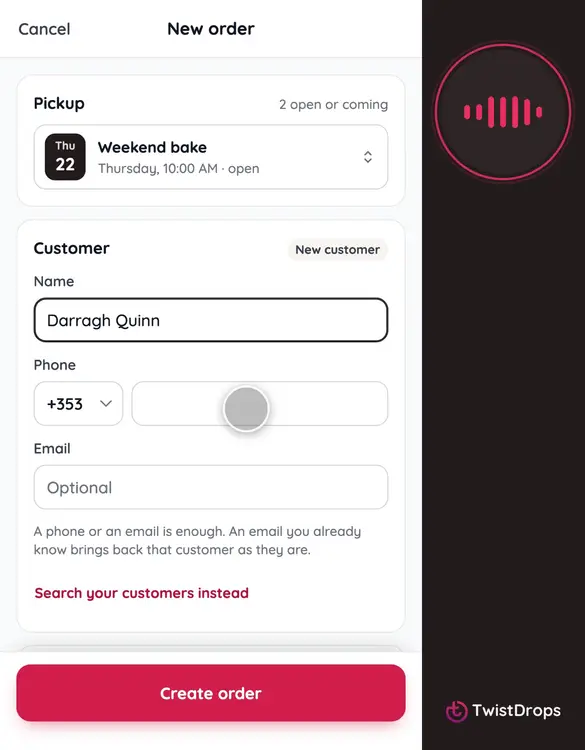
Sometimes a customer asks for something that isn't in the drop. You can still take the order. Tap the plus, then New order.
0:08
This customer is new. Search for their name. When nothing matches, tap Add as a new customer.
0:16
Give a phone number, or an email, so you can reach them about the order.
0:21
Now the products. This customer wants a cranberry loaf, which isn't in this drop. Tap A product that isn't in this drop.
0:30
Pick it from your catalogue. It comes into the order at once.
0:34
Give it a price and a stock for this drop. It stays hidden on your storefront: only this order can use it.
0:42
Tap Create order.
0:44
The special request is in the order, and in the drop. It never shows to other customers.
Prev
Playlist
Next