Academy
Export your customers
Customers and reviews · 2 of 4
Hide playlist
Sign in
0:00
/ 0:40
1×
Prev
Next
Transcript
Tap a line to play from there
Click a line to play from there
0:00
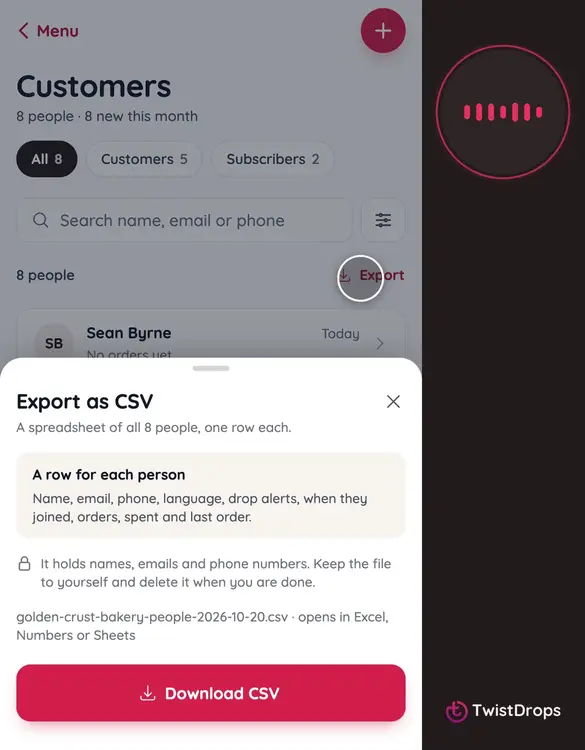
Want your customers in a spreadsheet, for a mailing, or for your own records? Open Menu, and tap Customers.
0:07
Tap Export.
0:10
If you have filtered the list, it offers to export just those. Otherwise, it is everyone.
0:17
Tap Download CSV. It opens in Excel, Numbers or Google Sheets.
0:22
It saved a file: names, emails, phones, languages, drop alerts, when they joined, their orders, and what they spent. Your private notes are never in it.
0:35
Keep the file private: it holds your customers' details.
Prev
Playlist
Next