Academy
My reservations
Your customers’ side · 6 of 9
Hide playlist
Sign in
0:00
/ 0:59
1×
Prev
Next
Transcript
Tap a line to play from there
Click a line to play from there
0:00
Customers do not need an account. To see what they have reserved, they tap My reservations.
0:06
They type the email they reserved with, and tap Email me the link. We never ask for a password.
0:13
We tell them to check their email.
0:16
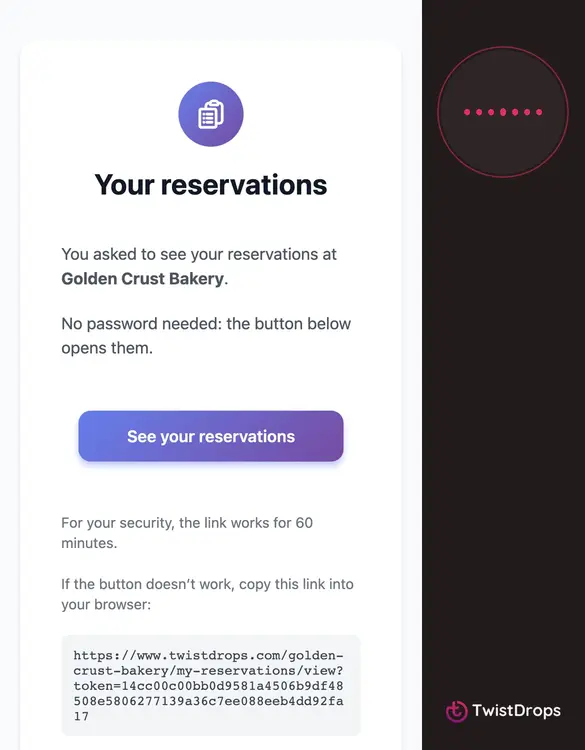
The email has one button, See your reservations, and a link that works for sixty minutes.
0:22
Tapping it opens their reservations: each order with its pickup day, the status, what they reserved, and the total.
0:31
The status tells them where it is: Pending until you confirm it, then Confirmed, then Picked up.
0:39
After pickup, each product has a button to rate it, and there is a place for a general review.
0:45
Customers see their reservations here, but cannot change or cancel them. If they need to, they contact the shop.
0:53
No password, no account: just the email they already use.
Prev
Playlist
Next