Academy
Leave a review
Your customers’ side · 7 of 9
Hide playlist
Sign in
0:00
/ 1:00
1×
Prev
Next
Transcript
Tap a line to play from there
Click a line to play from there
0:00
After a customer picks up their order, they can review it. They start in My reservations, with the email they reserved with.
0:08
We email them a link, as before.
0:11
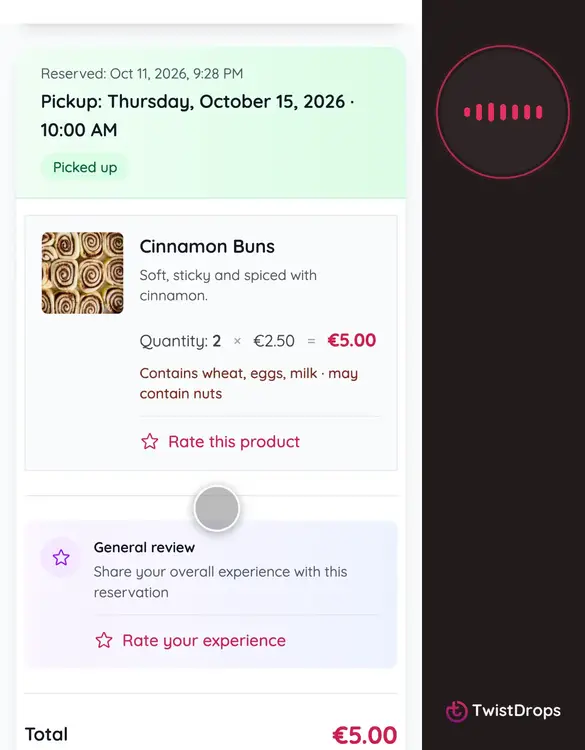
The link opens their reservations. The order they picked up has a button for each product: Rate this product.
0:19
They choose the stars. Five stars for the cinnamon buns.
0:23
A comment is optional, but it is what other customers read.
0:32
They can add up to three photos. We shrink them, and remove where and when they were taken.
0:39
Tap Submit review.
0:41
The review is published at once, with a Verified badge, because we know they picked it up. It shows on your storefront.
0:49
Here it is, with the stars, the comment, and what it is a review of.
0:54
You can answer it from the studio, and the customer gets your answer by email.
Prev
Playlist
Next