Academy
Add your social links
Set up your shop · 5 of 6
Hide playlist
Sign in
0:00
/ 1:00
1×
Prev
Next
Transcript
Tap a line to play from there
Click a line to play from there
0:00
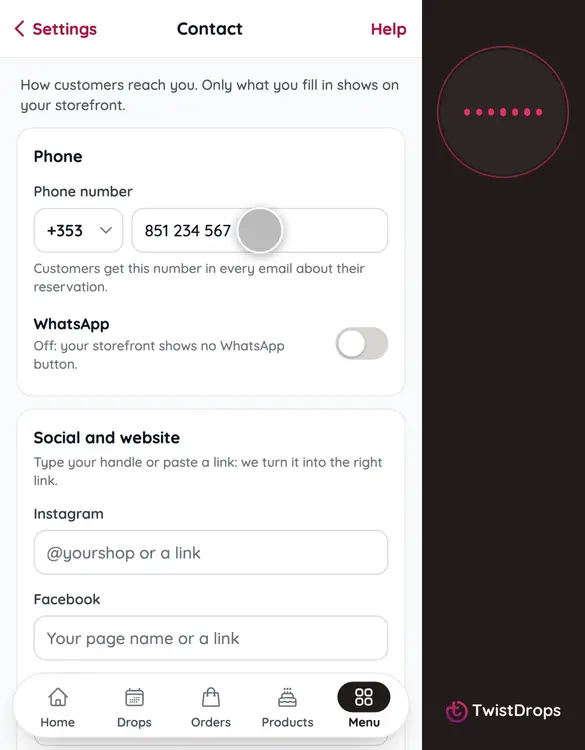
Let's add your social links, so customers can find you on Instagram, Facebook, or your own website. Tap Menu.
0:08
Then Settings.
0:11
Under Pickup and contact, open Contact.
0:14
At the top is your phone number, from when you opened the shop. Below it are your links.
0:20
Type your Instagram handle. You can type just the handle, or paste a whole link: we turn it into the right link for you.
0:29
Now Facebook. Type your page's username, with no spaces.
0:34
And your website. Only what you fill in shows on your storefront.
0:38
Tap Save changes.
0:41
Saved. To see them, go back to Home, and open your storefront.
0:47
Your links are under About, as small icons. Customers tap one to reach you.
0:53
Add the ones you use, and leave the rest empty. You can change them any time.
Prev
Playlist
Next