Academy
Change the language
Your customers’ side · 9 of 9
Hide playlist
Sign in
0:00
/ 0:37
1×
Prev
Next
Transcript
Tap a line to play from there
Click a line to play from there
0:00
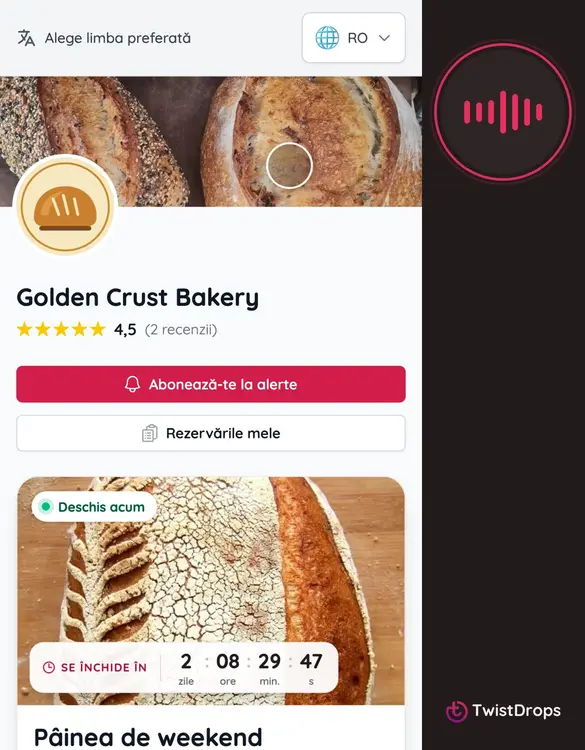
If you publish your shop in two languages, customers see a language bar at the top. This shop is in English and Romanian. Tap it.
0:09
They choose Romanian.
0:12
The whole page changes: the buttons, and your own words too, the drop name and the products, because you wrote them in both languages.
0:21
Open the drop, and it stays in Romanian: the cards, the cart and the checkout.
0:28
A customer's language is remembered on their phone, and their emails follow it. You choose which languages your shop speaks in Settings.
Prev
Playlist
Next