Academy
Change many orders at once
Orders · 2 of 6
Hide playlist
Sign in
0:00
/ 0:41
1×
Prev
Next
Transcript
Tap a line to play from there
Click a line to play from there
0:00
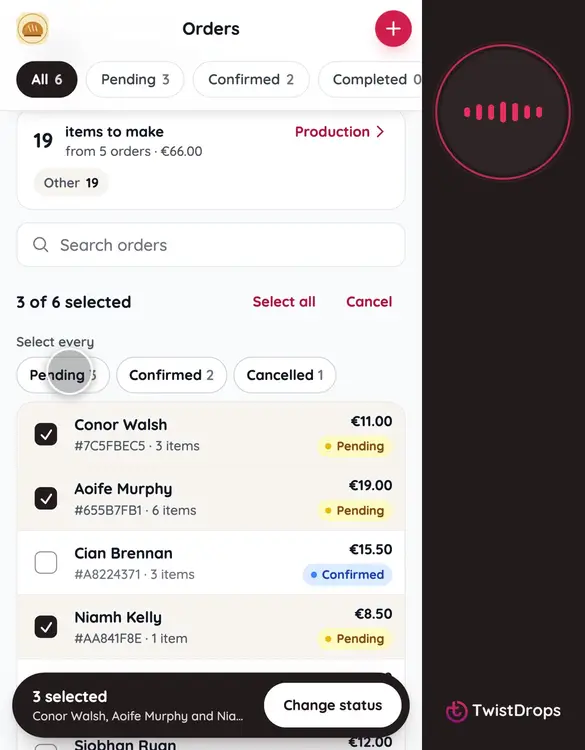
Got several orders waiting? You can change them all at once. On the Orders tab, tap Select.
0:06
Tap Select every pending order, to pick them all in one tap. Or tick them one by one.
0:13
At the bottom, tap Change status.
0:16
Choose the new status: Confirmed.
0:20
You can add a message to the emails. Everyone who is confirmed gets it with their confirmation.
0:28
Tap Confirm 3 orders.
0:32
Done: all three are confirmed, and their emails are on the way. An order that already had that status is left alone.
Prev
Playlist
Next