Academy
Add-ons: switch one on
Set up your shop · 8 of 14
Hide playlist
Sign in
0:00
/ 1:06
1×
Prev
Next
Transcript
Tap a line to play from there
Click a line to play from there
0:00
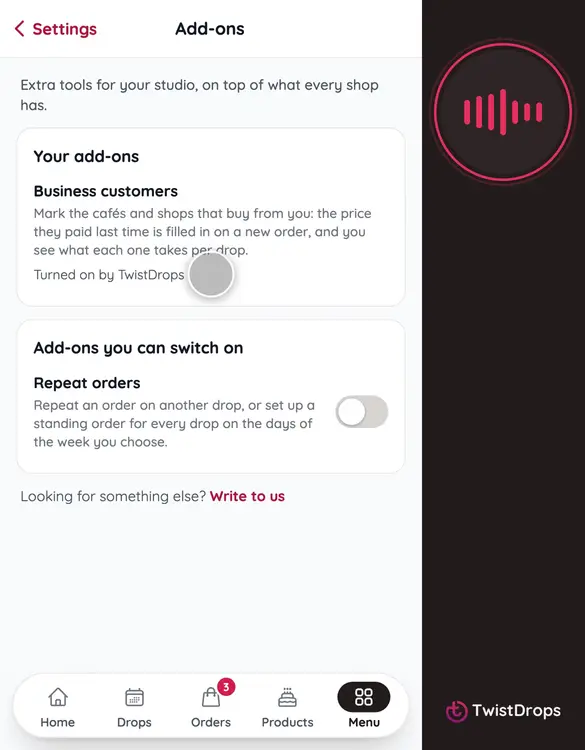
Some tools aren't part of every studio. They are add-ons, extra tools on top of what you have. Open Menu, tap Settings, and then Add-ons.
0:11
Under Your add-ons is what your shop has now, and where each one comes from. Business customers was turned on by TwistDrops, so it has no switch.
0:22
Under Add-ons you can switch on is what you can start yourself. Let's try Repeat orders. Tap its switch.
0:30
Now Repeat orders sits with your add-ons, marked You turned it on.
0:35
And your menu has a new page for it: Standing orders.
0:39
Back to Add-ons. Changed your mind? Tap the switch again.
0:49
The studio asks first, and tells you what stops while it is off. Your data stays, and you can switch it back on at any time. Tap Keep it on.
1:00
Need an add-on that isn't on the list? Tap Write to us, and we'll talk.
Prev
Playlist
Next