Academy
Repeat orders: a standing order
Orders · 6 of 8
Hide playlist
Sign in
0:00
/ 1:03
1×
Prev
Next
Transcript
Tap a line to play from there
Click a line to play from there
0:00
Some customers want the same order every week, like a café. With the Repeat orders add-on, you set it up once. Open Menu, tap Customers, and then Cian.
0:12
On their page, under Standing orders, tap New standing order.
0:17
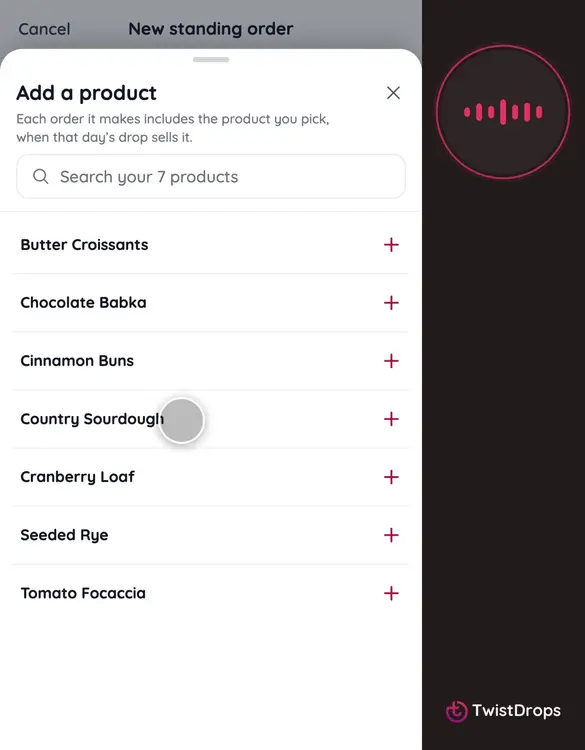
Add the products and how many. If you agreed a price of its own, type it.
0:26
Choose the days of the week. Every drop on those days gets their order.
0:31
Tap Add standing order.
0:34
The order is already on the open drop, confirmed. It sits on top of your stock, so it never takes a loaf from another customer.
0:42
On its page you see the days coming up. Not this week? Tap Skip, and that order is cancelled.
0:49
Changed your mind? Tap Undo the skip, and it is back.
0:54
You can pause a standing order, or stop it. And each new drop on those days gets its order by itself.
Prev
Playlist
Next