Academy
Tax details
Set up your shop · 11 of 14
Hide playlist
Sign in
0:00
/ 1:13
1×
Prev
Next
Transcript
Tap a line to play from there
Click a line to play from there
0:00
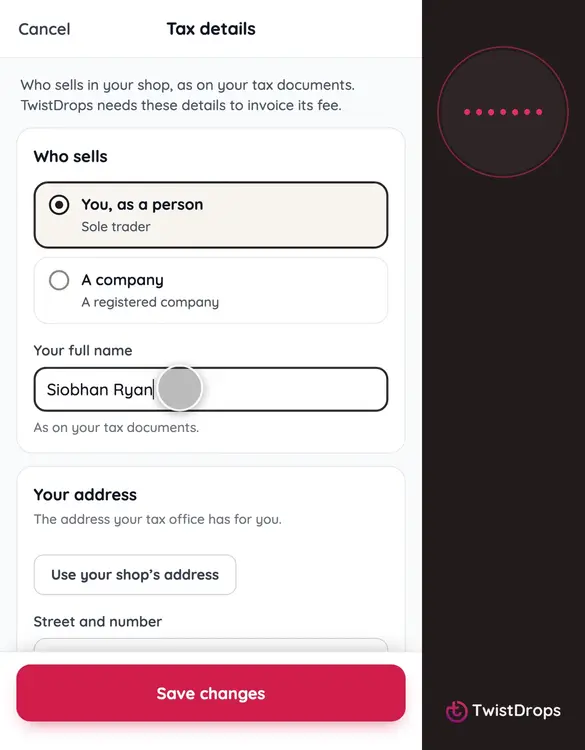
Your customers, and the tax office, need to know who is selling. Give your tax details once. Open Menu, Settings, and tap Tax details.
0:11
First, who sells: you as a person, or a company. We are a person here, so tap You, as a person.
0:20
Type your full name, as it is on your tax papers.
0:24
Then the address where you are registered. Customers see it with your legal name, on your storefront and in their emails, because the law asks it of anyone selling online.
0:38
And your tax number. The page names it as your country does, and checks that it has the right shape. It stays private: customers never see it.
0:49
If you are registered for VAT, switch that on and add your VAT number. We check it for you, and customers see it beside your name.
0:58
Tap Save changes.
1:00
Back in Settings, the row shows what you gave.
1:05
Your storefront and your emails now name you as the seller, and the setup list ticks this step.
Prev
Playlist
Next