Academy
Change your pickup point
Your customers’ side · 8 of 11
Hide playlist
Sign in
0:00
/ 0:47
1×
Prev
Next
Transcript
Tap a line to play from there
Click a line to play from there
0:00
Plans change. A customer can move their reservation to another pickup point, until reservations for the drop close. Tap My reservations.
0:09
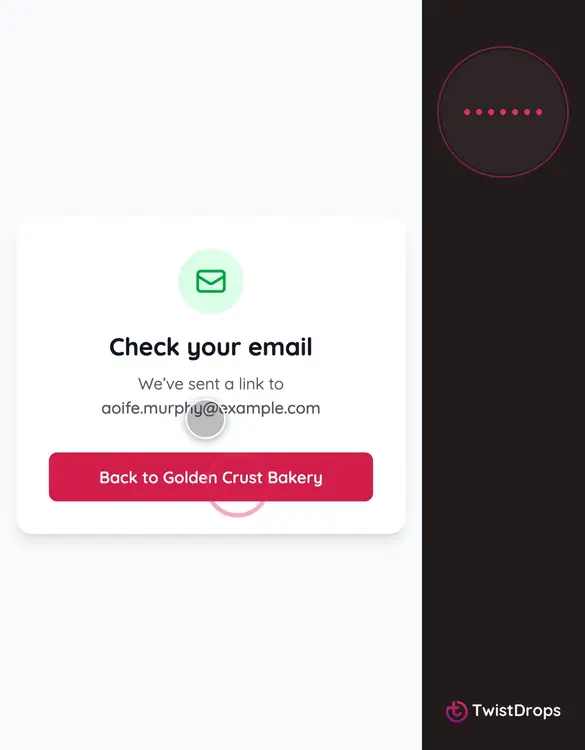
They ask for the link with the email they reserved with, as always.
0:16
And open it from the email.
0:19
The reservation shows where it is collected. Tap Change pickup point.
0:24
Choose the other place. If it is paid another way there, the page says so before they save.
0:31
Tap Save.
0:33
The reservation moves, and they get an email with the new address. The shop sees that the customer changed it.
0:41
Once reservations close, the button is gone, and the shop is the one to ask.
Prev
Playlist
Next